v2rayNG Introduction #
v2rayNG is an open-source VPN proxy application designed for Android devices. It allows you to change the IP address used when accessing the internet. For example, if ChatGPT is not supported in your country, you can use this app to access it. v2rayNG is similar to sing-box、Clash for Windows、Clash.Meta、Hiddify、V2Box、Shadowrocket、Karing、Surge、Stash, etc., but it offers many new features. It can hide your identity on the internet and is faster than traditional VPNs. If you need a more stable and secure network environment, it is recommended to use paid proxy nodes. v2rayNG supports multiple protocols, including Shadowrocket, VMess, VLESS, Reality, Trojan, and more.
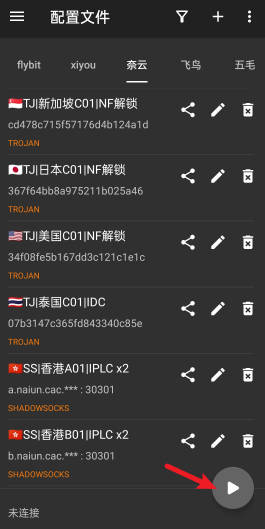
v2rayNG VPN Download #
-
If you are unable to download from GitHub, please use my cloud storage link
v2rayNG VPN Node Purchase and Usage Guide #
- The following demonstrates how to purchase nodes and how to use the software
- Taking Niubi Airport as an example, click here to open the official Niubi Airport website
- Register using a QQ Mail or 163 Mail
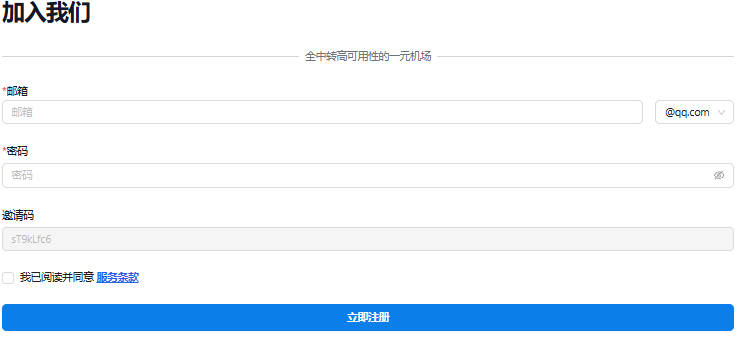
- After registration, log in and click Purchase Subscription
- Select the ¥13.9 non-expiring 200G traffic plan
- If you purchase monthly, the traffic will reset after expiration and you must repurchase
- Non-expiring traffic is more cost-effective; if usage is low, it can last about half a year
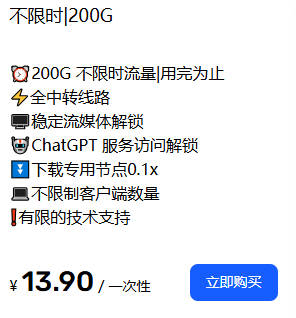
- Pay using Alipay or WeChat
- After successful payment, click My Subscription
- Click One-click Subscription → copy the subscription URL
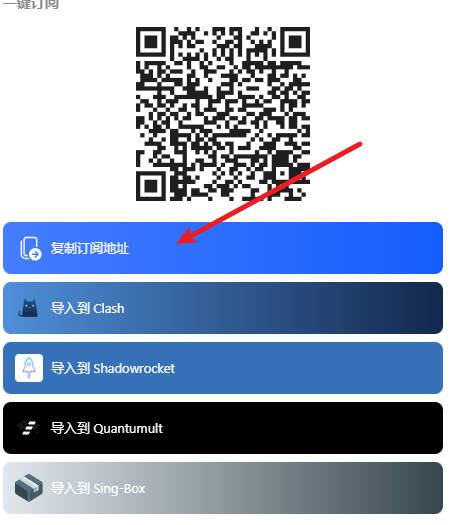
- After copying, open v2rayNG and tap the three-line menu in the top-left corner
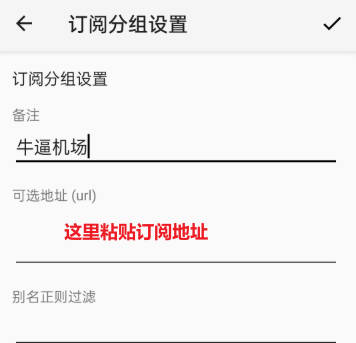
- Go to Subscription Group Settings → tap the plus icon in the top-right corner → paste the subscription URL
- Tap the checkmark in the top-right corner to save
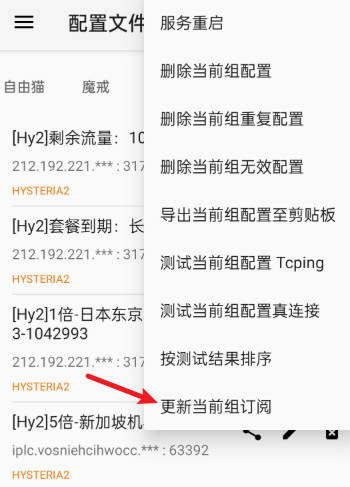
- Tap the three dots in the top-right corner, then tap Update Current Subscription
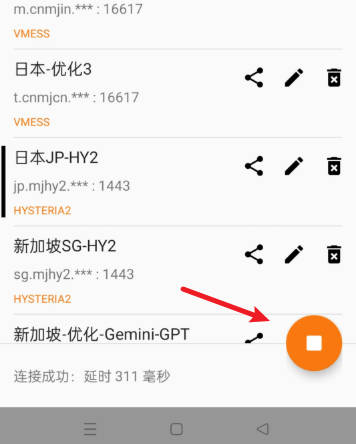
- Under normal circumstances, you will see many nodes appear
- Tap any node, then tap the button in the bottom-right corner to connect
- If a node cannot connect, simply switch to another one
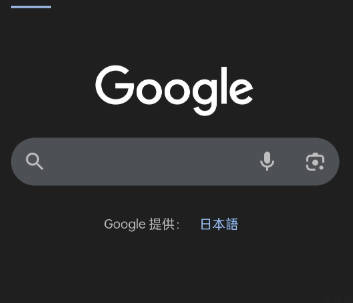
- Open Google Search; if it loads successfully, the connection is working
-
v2rayNG VPN setup is complete, and you can now freely access the internet
-
If you are using an iPhone, please refer to the article below
Airport Recommendations #
- The following airports charge based on traffic usage, and their websites provide software installation and usage tutorials
- After purchasing traffic, there is no time limit — you can use it until the traffic is exhausted
- If a website is inaccessible, it means it has been blocked; simply switch to another website
| Name | Price | Traffic | Nodes |
|---|---|---|---|
| Mojie | ¥1 | 1GB | 30 |
| Wangji Express | ¥7 | 20GB | 54 |
| Niubi | ¥14 | 200GB | 31 |
| Feitu | ¥30 | 100GB | 80 |
| Nongfu Spring | ¥45 | 200GB | 40 |
| Baobei Cloud | ¥55 | 600GB | 64 |
| Freedom Cat | ¥89 | 200GB | 71 |
| fscloud | ¥99 | 1000GB | 82 |